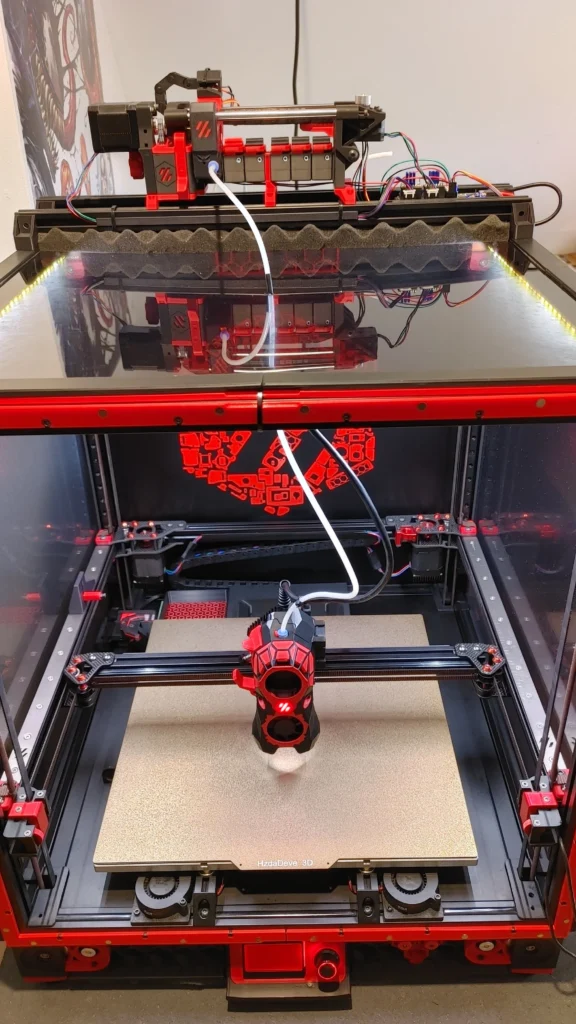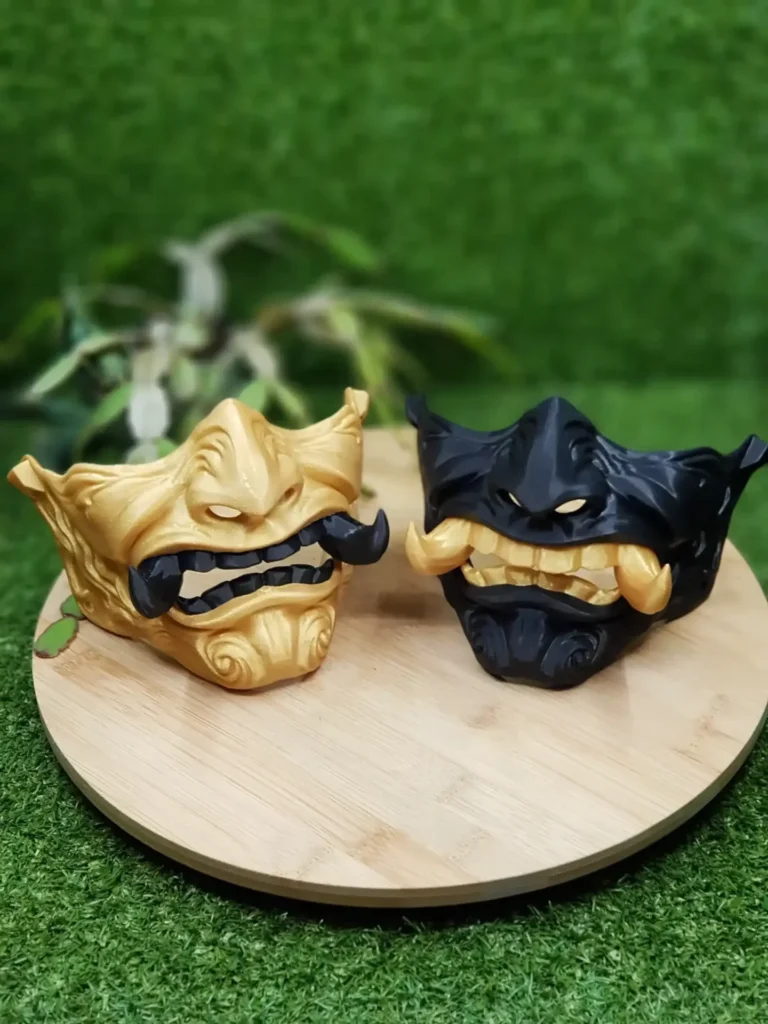

Ask ten print shops what a part costs and you get ten answers, often without any explanation of where the number came from. 3D printing cost is not a mystery, though. A handful of things decide almost all of the price, and once you know which ones, you can usually make the same part noticeably cheaper without making it worse. This article walks through them in the order they matter, using the way we price prints on our own Voron 2.4.
The short version: plastic, machine time and setup
Every 3D printing cost is built from the same three things:
- Material: the filament that ends up in your part, plus the bit that is purged or used for supports.
- Machine time: how many hours the printer is busy with your part. A printer that is printing your part cannot print anything else, so time is usually the biggest part of the price.
- Setup and handling: preparing the job, starting each build plate, removing parts and supports, checking and packing.
Shipping comes on top and depends on the size and weight of the parcel, not on how hard the part was to print. Everything else (size, quality, strength, quantity, material) changes the price because it changes one of those three.
Size and volume: the biggest single factor in 3D printing cost
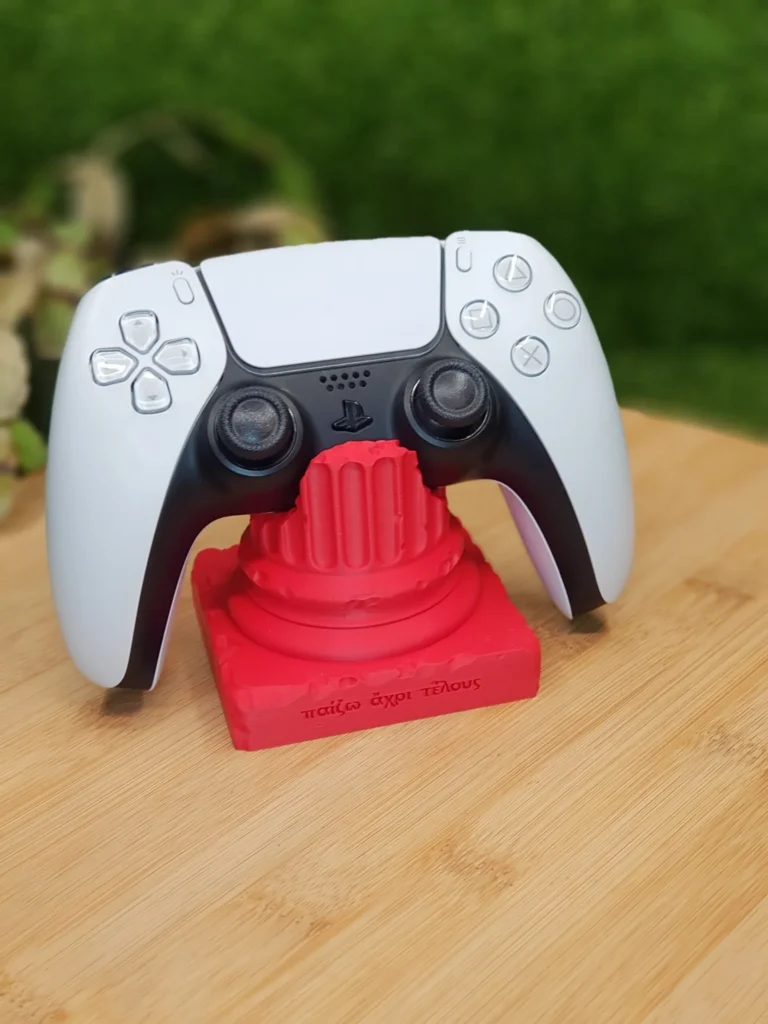
A part twice as tall takes roughly twice as long, and a part twice as big in every direction holds about eight times the volume. That is why size dominates everything else. The outside of a part is printed solid (the walls and the top and bottom layers), while the inside is filled with a light pattern called infill. A large, chunky part therefore costs much more than a large, thin-walled one, even if they look the same size in a photo.
If a part only needs to be big on the outside, say a cover, a display model or a vase, keep it as a shell in your design, or choose a lighter strength setting. If you are designing the part yourself, check whether every solid area really needs to be solid.
Quality: layer height trades time for a smoother surface
An FDM printer (fused filament fabrication) builds a part one layer at a time. Thinner layers give a smoother surface and crisper detail, but the printer needs more of them, so the same part takes longer. Our three quality levels map to these layer heights:
- Draft: 0.28 mm layers. Visible layer lines, fastest and cheapest. Right for prototypes and test fits.
- Standard: 0.20 mm layers. Fine lines you notice up close. Right for most parts.
- Fine: 0.12 mm layers. A smooth surface and sharp detail, at a clearly higher machine time.
Going from Standard to Fine adds roughly two thirds more layers. On a small part that is minutes; on a tall part it can be hours. Choose Fine for parts people look at closely, and Standard or Draft for brackets, jigs and anything that lives inside a box.
Strength: walls and infill cost plastic and time
Strength comes mostly from the walls (the solid outer shell) and the top and bottom layers, much less from the infill inside. Our strength levels:
- Light: 2 walls and 10% infill, for display models and parts that carry no load.
- Standard: 3 walls and 20% infill, for everyday parts: sturdy, not heavy.
- Strong: 5 walls and 50% infill, for functional parts that take force, screws or clamping.
Strong uses noticeably more plastic and time than Standard. It is worth it for a part that gets bolted down or carries weight, and wasted on a figurine. We explain the trade-offs in more detail in our guide to layer height, walls and infill.
Material: the filament itself is rarely the expensive part
People often expect the material to drive the price. For most parts it does not: a spool of filament is cheap compared with the hours of printer time a part needs. The material matters in other ways:
- PLA prints easily and fast, and is the most affordable choice for indoor parts.
- PETG is tougher and handles more heat; it prints a little slower.
- ASA / ABS handle heat and sunlight and need an enclosed printer.
- TPU is flexible and has to be printed slowly, so the same part takes much longer.
Pick the material for what the part has to survive, not for the price. Our filament guide covers which one fits which job.
Supports and orientation
A printer cannot print into thin air. Overhangs that are too steep need temporary support structures underneath, which cost material and time to print, and time to remove afterwards. They can also leave marks on the surface they touched.
We print your model the way it lies in the file. That keeps the result predictable, and it also means you decide how the part sits on the build plate. Export your model with its largest flat side down and the steepest overhangs facing up. That one choice can remove most supports, and with them part of the price. Our article on design for 3D printing explains the overhang rules.
Quantity: why ten pieces cost less per piece than one
Quantity is the easiest lever on 3D printing cost. Part of the work is the same whether a build plate holds one piece or ten: preparing the job, heating up, starting, emptying the plate. Spread over more pieces, that part of the price per piece goes down. That is why our quotes show the price per piece at 1, 5, 10 and 25 pieces next to each other, so you can see where the discount starts. The quantity you order can go up to 100 pieces.
Six ways to make the same part cheaper
- Choose Standard quality unless the surface is what the part is for.
- Choose the lightest strength that works. A display piece does not need Strong.
- Lay the part flat in your file, with the largest flat face down, so it needs fewer supports.
- Remove solid bulk in your design where nothing depends on it.
- Order the pieces you need in one go instead of one at a time.
- Use PLA for indoor parts that will not see heat or sunlight.
See the real price for your own part
All of the above is general. The fastest way to learn the 3D printing cost of your own part is to let the slicer work it out. Our instant 3D print quote takes an STL, 3MF or OBJ file, slices it exactly the way our printer will print it, and shows the price per piece, the shipping and the expected delivery date within seconds. Change the material, quality or strength and you see the new price straight away, so you can try the tips above on your own model.
Every model is checked by a person before it is printed. If we cannot print it well, you get your money back in full. Preparing the file first? Read how to prepare an STL for 3D printing.