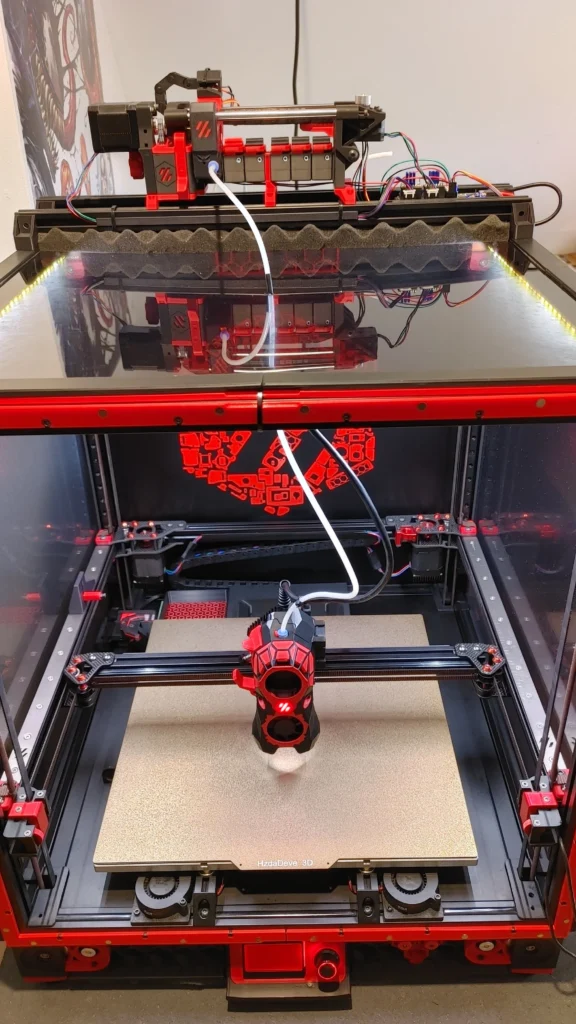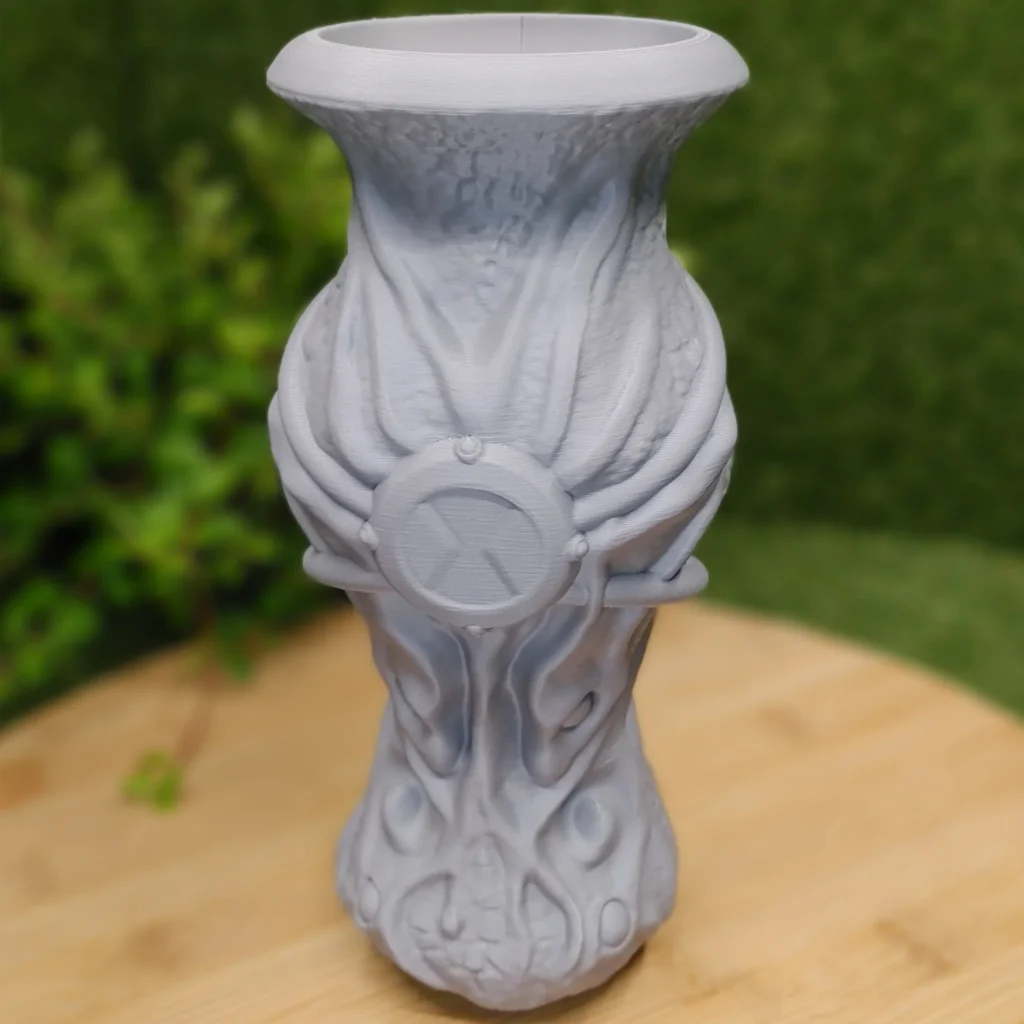
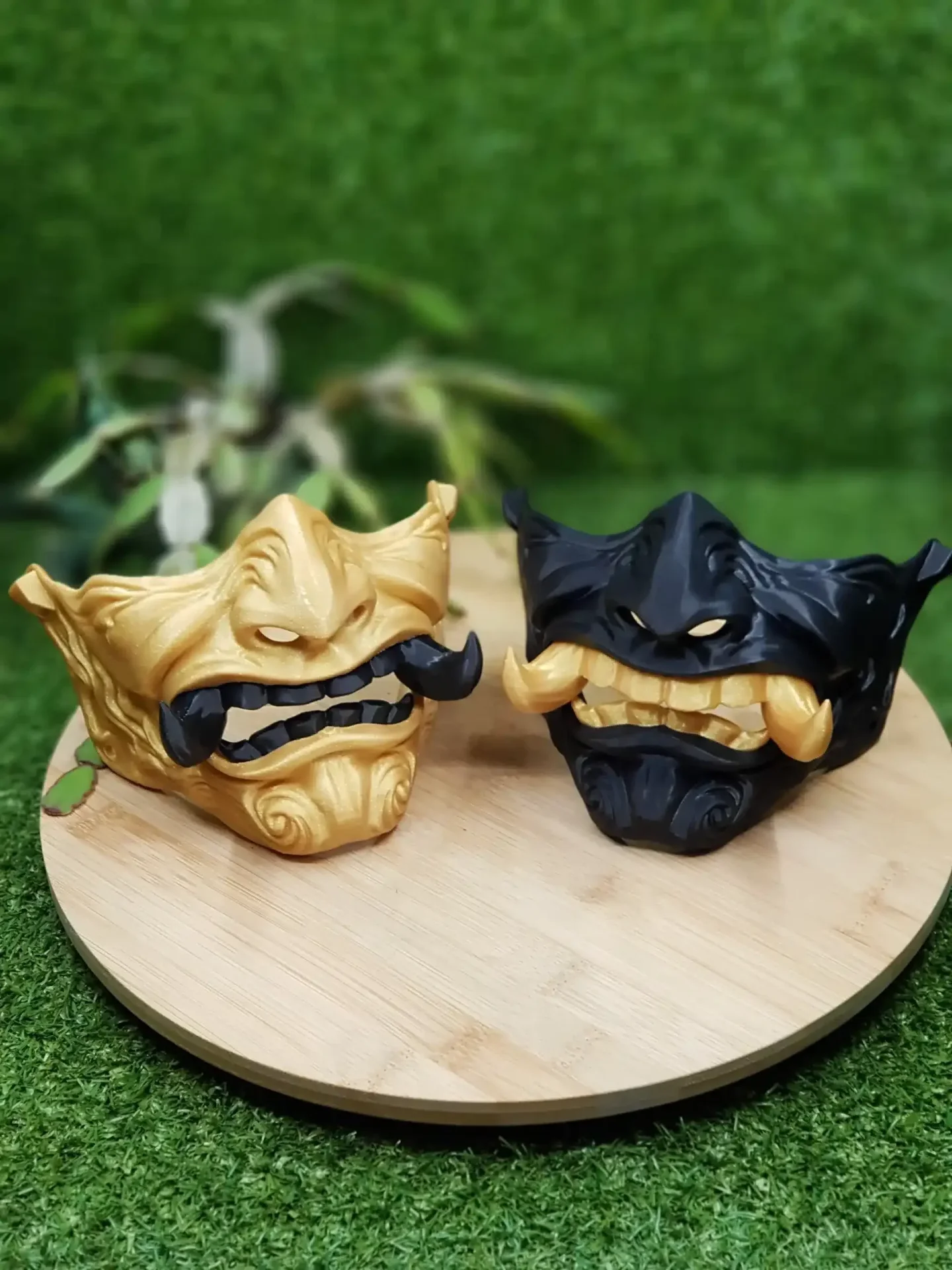
When you order a print, two choices decide how the part looks and how much it can take: quality and strength. Behind those friendly words sit three printer settings: layer height and infill, plus the number of walls. This guide explains what each one really changes, what it does to the price and delivery time, and which setting fits which kind of part, using the exact values our own printer runs.
How a part is built
An FDM printer (fused filament fabrication) melts a plastic thread and lays it down line by line, layer by layer. Each layer has three kinds of lines:
- Walls (perimeters): the outline of the part, printed as one or more loops next to each other.
- Top and bottom layers: the solid floor and roof of every flat surface.
- Infill: a light pattern inside, which holds the top layers up and stiffens the part.
Layer height decides how thick each layer is. Walls, top and bottom layers and infill together decide how strong and heavy the part becomes.
Layer height and infill are separate choices
People often mix them up, so to be clear: layer height is about the surface you see; infill and walls are about the strength you feel. A part can have a beautiful fine surface and be weak, or be very strong with visible layer lines. That is why we offer them as two separate choices.
Quality: choosing a layer height
- Draft, 0.28 mm: layer lines are clearly visible. The fastest and cheapest setting, good for prototypes, test fits and jigs.
- Standard, 0.20 mm: fine lines you notice up close. The right choice for most parts.
- Fine, 0.12 mm: a smooth surface and crisp small detail. It needs about two thirds more layers than Standard, so it takes longer and costs more.
Layer height matters most on curved and sloped surfaces, where every layer shows as a small step. On vertical walls the difference is much smaller, and on a flat top it is almost invisible. A tall cylinder hardly needs Fine; a face, a figurine or text on a sloped surface does.
Layer height also affects strength slightly: thinner layers bond over a larger total area, but more layers also means more seams. For practical parts, the difference is small compared with walls and infill.
Strength: walls first, infill second
Of layer height and infill, only the second has much to do with strength, and even infill comes after the walls.
Most of a printed part’s strength comes from its outer shell. Bending and twisting forces are carried mostly at the surface, the same reason a tube is nearly as stiff as a solid rod. Adding a wall makes a part noticeably stronger; adding infill helps less than you would expect. Our strength levels reflect that:
| Strength | Walls | Top / bottom layers | Infill | Good for |
|---|---|---|---|---|
| Light | 2 | 4 / 3 | 10% | Display models, decoration, parts without load |
| Standard | 3 | 5 / 4 | 20% | Everyday parts: holders, covers, organisers |
| Strong | 5 | 7 / 6 | 50% | Brackets, mounts, parts with screws or clamping |
Need something in between? The advanced settings in our quote let you set walls from 2 to 8, top and bottom layers from 3 to 12 and infill from 5 to 100%.
When more infill helps, and when it does not
- Screws and inserts: material around a hole holds the thread. More walls help most, because the walls wrap around every hole.
- Compression: a part that gets squeezed or stood on benefits from higher infill.
- Thin parts: below a few millimetres, a part is all walls anyway; infill changes nothing.
- Weight: high infill makes a part heavy. That is useful for a stable base and pointless for a cosplay piece you wear all day.
Going from 20% to 100% infill can more than double the material and the printing time, for a part that is often only somewhat stronger. More walls are usually the better buy.
Layer direction: the weak spot of every FDM print
A printed part is strongest along its layers and weakest across them, where one layer sits on another. A hook printed standing up can snap along a layer line; the same hook printed lying flat is many times stronger. Because we print your model the way it lies in the file, think about the direction of the forces when you export it. Lay long, thin parts that will bend flat on the plate.
Material changes the picture
Settings only go so far: PETG and ASA are tougher than PLA, and TPU bends instead of breaking. A strong PLA part can still soften in a hot car, where an ASA part would not. Our filament guide covers which material fits which job.
Our recommendations for layer height and infill
- Display model or gift: Fine quality, Light strength.
- Everyday household part: Standard quality, Standard strength.
- Functional or mechanical part: Standard quality, Strong strength, a tough material.
- Prototype or test fit: Draft quality, Light or Standard strength. Fast and cheap, and you can order the final version afterwards.
Not sure? Try it. Our instant 3D print quote slices your model with each setting you pick and shows the new price and delivery date within seconds, so you can compare Standard and Fine, or Standard and Strong, before you decide. For the price side of these choices, read what decides 3D printing cost.