Most 3D printers print one colour at a time. Yet some of the parts in our shop come off the printer in two, three or six colours, with no paint and no glue. Multi-colour 3D printing on a filament printer is not magic: the printer swaps filament during the print, and a few clever parts deal with the mess that swapping makes. This article explains how it works on our Voron 2.4, what it costs in time and plastic, and when it is worth it.
One nozzle, several filaments
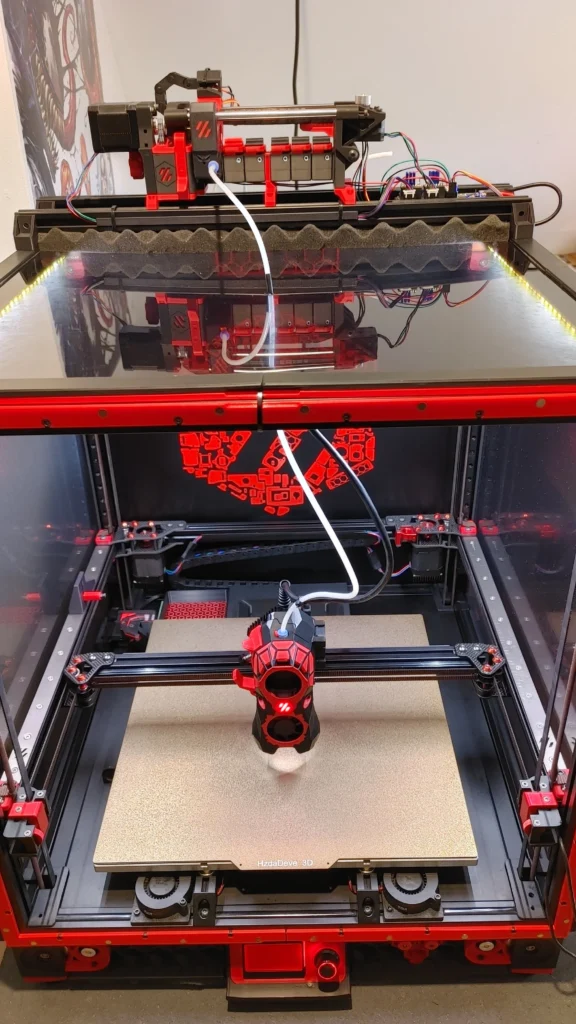
There are two ways to print several colours on a filament printer: several nozzles, or one nozzle that is fed different filaments in turn. Our Voron uses the second. A filament changer on top of the printer, an ERCF (Enraged Rabbit Carrot Feeder), holds six spools on ours. When the print needs a new colour, the printer:
- pulls the current filament back out of the hot end,
- selects the next spool and feeds it down the tube to the toolhead,
- pushes it through the nozzle until the old colour is flushed out,
- wipes the nozzle and carries on printing.
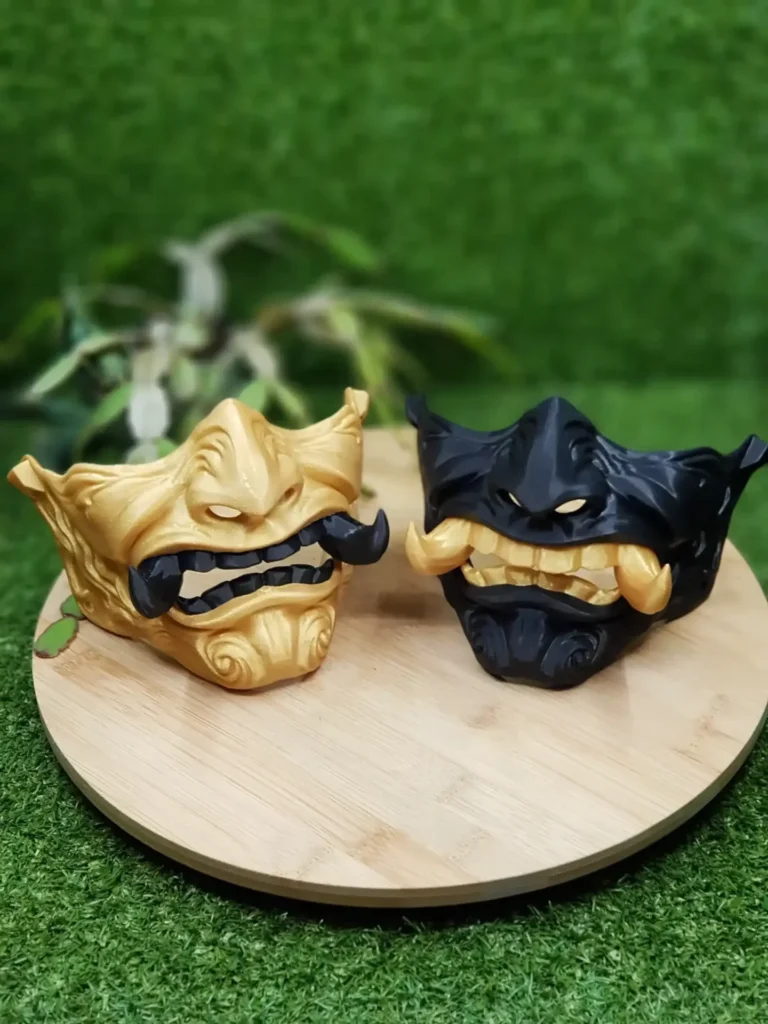
That is why our product pages and the homepage say “up to 6 colours per print”: six spools can be loaded at once, and any layer can use any of them.
Purging: where the old colour goes
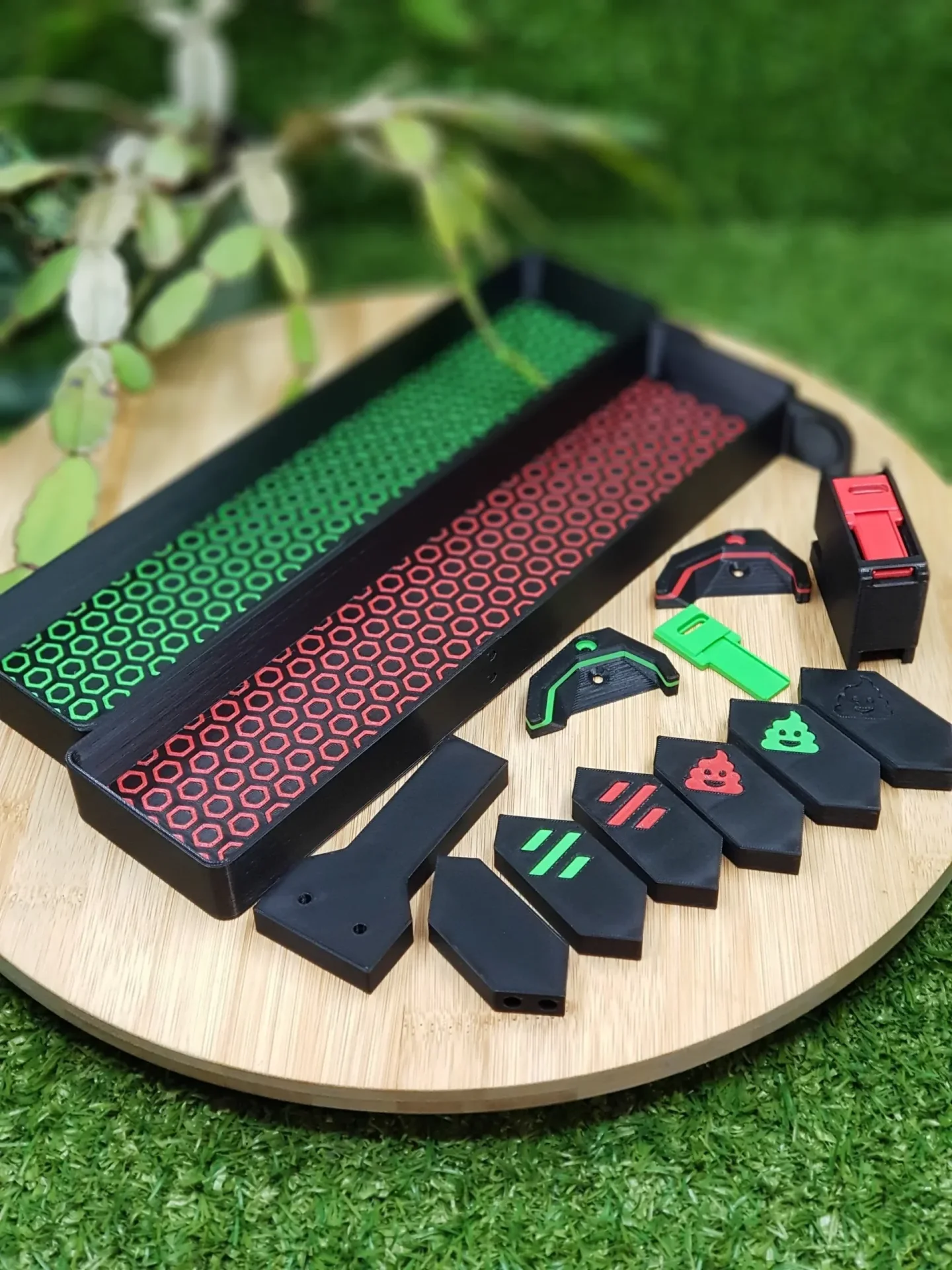
The third step is the expensive one. When black filament is followed by white, the first centimetres of white come out grey. That plastic, the purge, cannot go into your part. Many printers purge into a tower next to the part; ours purges onto a small tray, forms a compact blob and drops it into a bucket. The tool for that is the Blobifier, an open-source design. We print complete Blobifier parts kits for other Voron owners as well.
How much purge a swap needs depends on the colours. Dark to light needs the most; light to dark much less. A print with a few swaps wastes a little plastic; a print with hundreds wastes more plastic than the part itself weighs.
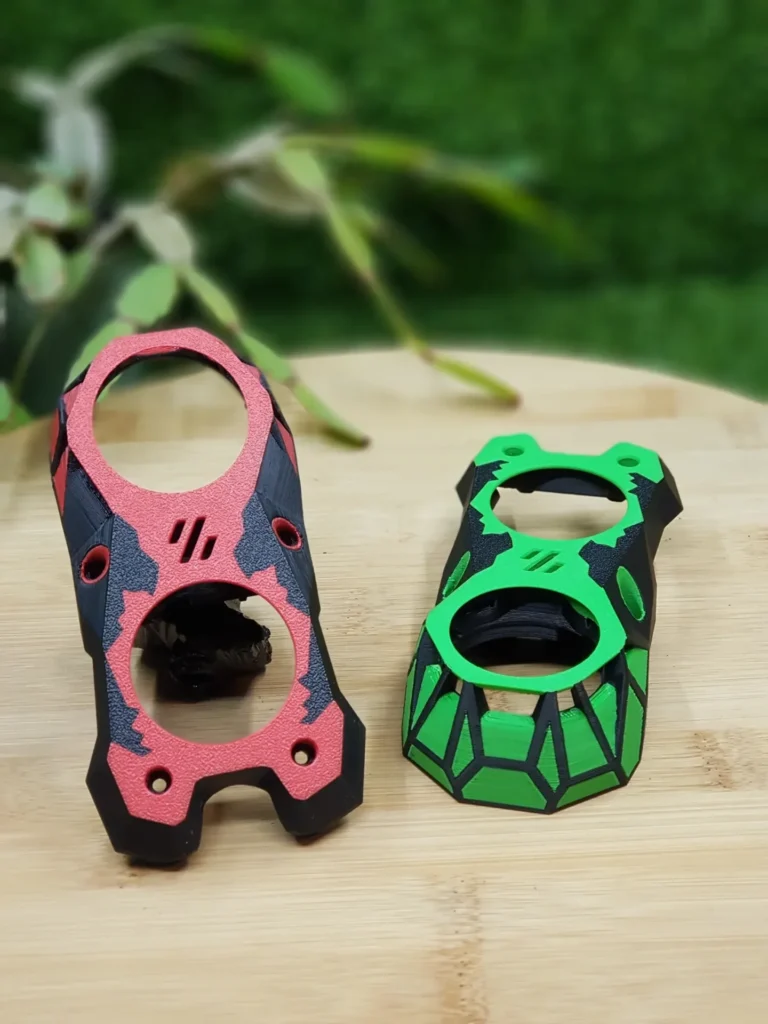
Example: 168 colour changes in one faceplate
Our Knomi V1 Stealthburner faceplate is printed in ABS with 168 filament changes. Each change takes time: retracting, swapping, purging and wiping adds up to a minute or more per swap. On a part like this, the swaps take longer than the printing itself. We tell the full story of that part in the Knomi faceplate project.
Colour per layer or colour per area
There are two kinds of multi-colour prints, and they cost very different amounts:
- Colour per layer: the colour changes at a certain height, so the bottom is black and the top green. The printer swaps once per change of height, which is cheap and fast.
- Colour per area: different colours sit next to each other in the same layer, like a logo on a flat face. The printer swaps several times on every layer that contains more than one colour, which is slow and uses much more purge.
Designers can make a big difference here. A logo raised by a few layers, printed in its own colour only in those top layers, needs a handful of swaps. The same logo flush with the surface along the full height of the part can need hundreds.
Materials need to match
All colours in one part must be the same kind of material, or at least materials that bond and print at the same temperature. PLA with PLA, ABS with ABS. We print our multi-colour printer parts in ABS and ASA, which survive the heat inside an enclosed printer. Combining a rigid and a flexible material in one print is possible in principle but rarely worth the trouble.
What multi-colour 3D printing costs
- Time: every swap adds a minute or more. Hundreds of swaps add hours.
- Plastic: purge plastic is thrown away; on detailed parts it can outweigh the part.
- Attention: more swaps mean more chances for a jam, so these prints are watched more closely.
That is why a multi-colour part costs more than the same shape in one colour, and why colour-per-layer designs are so much cheaper than colour-per-area ones.
Multi-colour 3D printing or paint?
Printed colour does not chip, wears with the part and needs no finishing. Paint gives finer gradients and shading. For logos, accents, text and printer parts, printed colour is the better choice. For a realistic figurine, paint still wins.
Ordering single or multi-colour parts
Multi-colour parts in our shop, such as the Knomi faceplates and accent-coloured printer kits, are made to order with the colours you pick on the product page. Our instant 3D print quote prints your own model in one colour per part, with a price and delivery date in seconds. A multi-colour print of your own design always needs a closer look at how the colours are split, so it does not fit an instant price.
Curious about the printer behind all this? Meet our Voron 2.4 R2 350, or watch it work on the live printer cam.